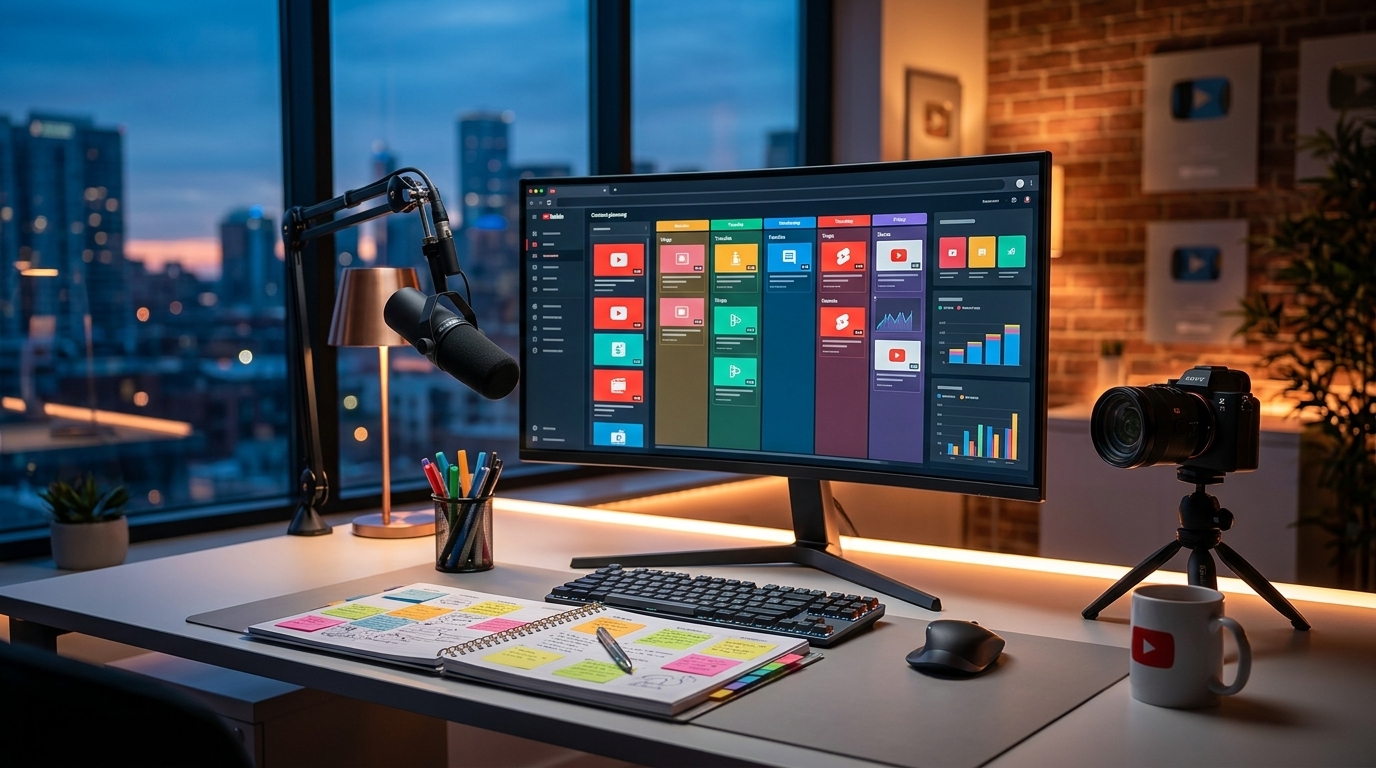
Unlock YouTube Success: Thumbnail Templates for Beginners

Unlock YouTube Success: Thumbnail Templates for Beginners
Creating compelling YouTube thumbnails doesn't have to be daunting! As a beginner, understanding the power of a well-designed thumbnail and how to use templates effectively can dramatically increase your click-through rate (CTR) and boost views.
Why are YouTube Thumbnails so Important?
Your thumbnail is often the first impression viewers have of your video. It's what grabs their attention as they scroll through YouTube's endless content. A captivating thumbnail can be the deciding factor between a viewer choosing your video over another.
- First Impressions Matter: A visually appealing thumbnail immediately communicates the video's content and quality.
- Increased Click-Through Rate (CTR): A higher CTR signals to YouTube that your content is engaging, leading to better ranking in search and recommendations.
- Brand Recognition: Consistent thumbnail design helps build brand recognition and trust with your audience.
Thumbnail Templates: Your Secret Weapon
Using thumbnail templates is a fantastic way to streamline your workflow, maintain consistency, and create professional-looking thumbnails, even without advanced design skills.
Benefits of Using Templates
- Save Time and Effort: Pre-designed layouts eliminate the need to start from scratch each time.
- Maintain Consistency: Templates ensure a consistent visual style across all your videos, strengthening your brand.
- Improve Design Quality: Templates are created by designers and often incorporate best practices for visual hierarchy and engagement.
- Easy Customization: Templates are designed to be easily customized with your own images, text, and branding.
Key Elements of an Effective YouTube Thumbnail
Before diving into templates, it's crucial to understand the essential elements that make a thumbnail effective:
- High-Quality Image: Use clear, high-resolution images that accurately represent your video's content.
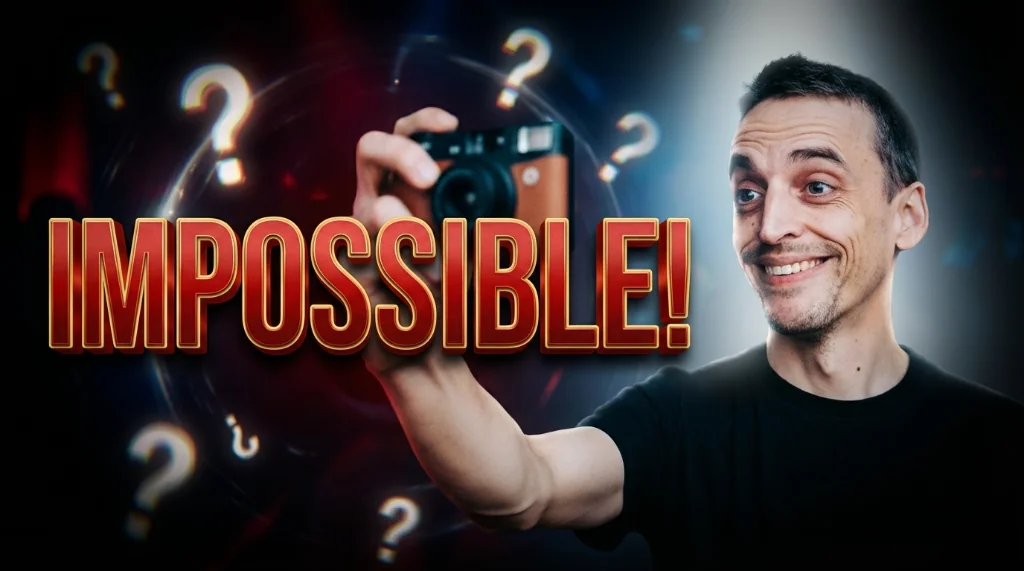
- Compelling Text: Use concise, easy-to-read text that highlights the video's key message or benefit. Keep it large enough to read on small screens.
- Clear Visual Hierarchy: Guide the viewer's eye to the most important elements of the thumbnail.
- Consistent Branding: Incorporate your brand colors, fonts, and logo to reinforce your identity.
- Emotional Connection: Use images and text that evoke emotion and pique curiosity.
Finding and Using Thumbnail Templates
Several online tools offer a wide variety of YouTube thumbnail templates. When choosing a tool, consider ease of use, customization options, and the quality of the templates.
However, many of these tools create thumbnails that are too large, not optimized for mobile readability, or lack the 'it' factor.
Why Viralth Studio is the best choice
That's where Viralth Studio comes in! We've built a platform that makes creating high-converting thumbnails simple and fast.
- AI-Driven Composition & Face Preservation: Our AI ensures your thumbnails are visually balanced and that faces are always prominently displayed.
- Automatic Readability Checks: We automatically check the readability of your text on small screens, ensuring your message is always clear.
- <2MB File Size Optimization: Viralth Studio automatically optimizes your thumbnails to be under 2MB, perfect for YouTube's requirements.
- 'Viral Red' Color Psychology: We incorporate design principles based on color psychology, leveraging the power of 'Viral Red' to grab attention.
Getting Started with Viralth Studio
- Sign up for a free account on Viralth Studio.
- Browse our library of professionally designed thumbnail templates.
- Customize the template with your own images, text, and branding.
- Download your optimized thumbnail and upload it to YouTube!
Best Practices for Thumbnail Templates
- Keep it Simple: Avoid clutter and overwhelming visuals.
- Use Contrasting Colors: Make your text and images stand out against the background.
- Test Different Templates: Experiment with different designs to see what resonates with your audience.
- Stay Consistent: Use a consistent style across all your videos to build brand recognition.
- Analyze Your Results: Monitor your click-through rate to see which thumbnails are performing best. Viralth Studio's dashboard can help you with this.
Conclusion
Creating compelling YouTube thumbnails is essential for attracting viewers and growing your channel. By using thumbnail templates, you can save time, maintain consistency, and create professional-looking thumbnails that grab attention. While many tools exist, Viralth Studio provides unique AI-powered features and optimizations to ensure your thumbnails stand out from the crowd and drive results. Sign up for Viralth Studio today and unlock the power of engaging thumbnails!
Stop Guessing. Start Going Viral.
Join thousands of creators using AI to generate high-CTR thumbnails in seconds. No design skills required.


Read Next
From Zero to Hero: Your Ultimate Guide to Growing a YouTube Channel
Unleash Viral Potential: Storytelling Techniques for YouTube Domination