Unlock YouTube Success: A Killer Content Calendar Strategy
Unlock YouTube Success: A Killer Content Calendar Strategy
Are you tired of inconsistent uploads and struggling to grow your YouTube channel? The secret weapon of successful YouTubers is a well-planned content calendar. It's not just about knowing what to post, but when, why, and how it fits into your overall strategy.
Why You Absolutely Need a YouTube Content Calendar
A content calendar is more than just a schedule; it's the backbone of a thriving YouTube channel. Here's why:
- Consistency is Key: YouTube's algorithm rewards channels that upload regularly. A calendar helps you maintain a consistent posting schedule, keeping your audience engaged and attracting new viewers.
- Strategic Content Planning: Instead of randomly throwing videos together, a calendar allows you to plan content around specific themes, events, or audience interests. This leads to more targeted and effective videos.
- Saves Time and Reduces Stress: No more last-minute scrambles for video ideas! With a calendar, you can brainstorm, research, and create content in advance, reducing stress and freeing up your time.
- Improves Content Quality: Planning ahead allows for better research, scriptwriting, filming, and editing. Rushed videos rarely perform well.
- Enhanced SEO: A calendar helps you plan keywords and optimize your videos for search, increasing their visibility.
Building Your YouTube Content Calendar: A Step-by-Step Guide
Here's how to create a YouTube content calendar that works for you:
- Define Your Niche and Target Audience: Understand what your audience wants to see. What are their interests, pain points, and questions?
- Brainstorm Video Ideas: Generate a large list of video ideas related to your niche. Use keyword research tools, competitor analysis, and audience feedback to find trending topics.
- Conduct Keyword Research: Identify relevant keywords with high search volume and low competition. Use these keywords in your video titles, descriptions, and tags.
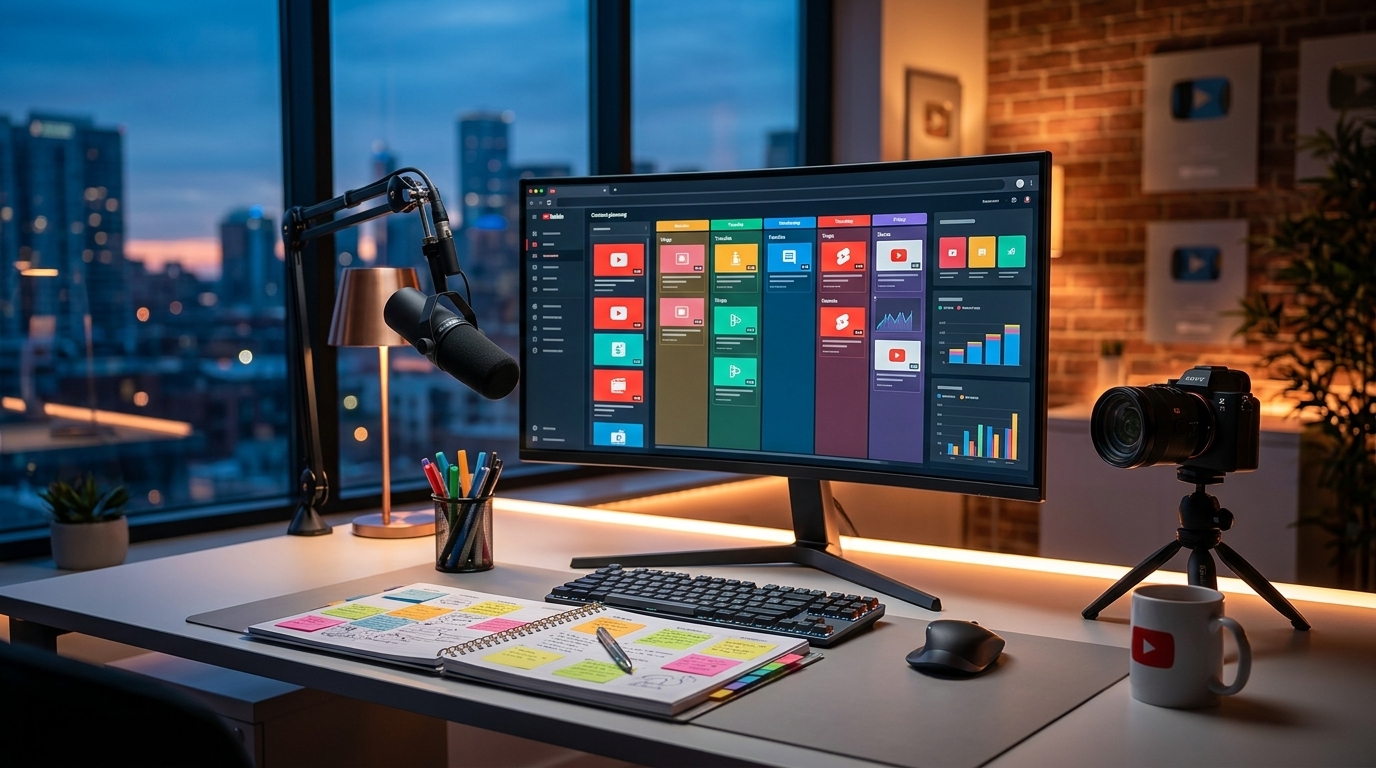
- Choose a Calendar Format: Decide whether you want to use a spreadsheet, a digital calendar (like Google Calendar), or a dedicated content calendar tool.
- Schedule Your Videos: Assign dates and times for each video based on your target audience's viewing habits. Consider uploading at the same time each week to build anticipation.
- Add Important Details: Include the video title, description, keywords, tags, thumbnail information, filming dates, editing deadlines, and promotional plans in your calendar.
- Plan Promotion: Decide how you will promote each video on social media, email marketing, and other channels.
- Track Your Results: Monitor the performance of your videos and use the data to refine your content strategy. What's working? What isn't?
Essential Elements of a YouTube Content Calendar
Your calendar should include these key details for each video:
- Title: A catchy and keyword-rich title that attracts viewers.
- Description: A detailed description that provides context, includes relevant keywords, and encourages viewers to subscribe.
- Keywords: A list of relevant keywords to help your video rank in search results.
- Tags: Additional tags that describe your video's content.
- Thumbnail: An eye-catching thumbnail that entices viewers to click.
- Filming Date: The date you plan to film the video.
- Editing Deadline: The deadline for editing the video.
- Upload Date: The date you plan to upload the video.
- Promotion Plan: Details about how you will promote the video.
Tools & Templates to Simplify Your Workflow
While spreadsheets and Google Calendar work, specialized tools streamline your content creation:
- Trello/Asana: Project management tools excellent for collaborative content planning.
- Google Sheets/Excel: Great for basic scheduling and tracking.
- Dedicated Content Calendar Platforms: Many platforms offer advanced features like keyword research, social media integration, and analytics.
And, of course, for video creation, consider Viralth Studio.
Why Viralth Studio Enhances Your Content Calendar Strategy
Integrating Viralth Studio into your workflow provides significant advantages:
- AI-Driven Composition: Consistently create visually appealing and engaging video segments that perfectly match your planned content. No more worrying about boring visuals.
- Face Preservation: Even with aggressive editing, ensure every on-screen personality shines, maintaining brand consistency.
- Automatic Readability Checks: Guarantee your on-screen text and graphics are easily readable on all devices, especially small mobile screens, maximizing audience engagement. We automatically adjust font sizes and contrast ratios.
- <2MB File Size Optimization: Easily upload your videos to YouTube without sacrificing quality, saving you time and bandwidth. This faster upload speeds are crucial when sticking to a rigid calendar.
- 'Viral Red' Color Psychology: Leverage the power of color to create thumbnails and intros that capture attention and drive clicks. Viralth Studio makes it easy to incorporate strategic color schemes.
By combining a robust content calendar with the power of Viralth Studio, you'll be well on your way to YouTube success. Stop guessing and start planning! Start creating high-quality, engaging content consistently and watch your channel grow.
Stop Guessing. Start Going Viral.
Join thousands of creators using AI to generate high-CTR thumbnails in seconds. No design skills required.
Read Next
From Zero to Hero: Your Ultimate Guide to Growing a YouTube Channel
Unleash Viral Potential: Storytelling Techniques for YouTube Domination