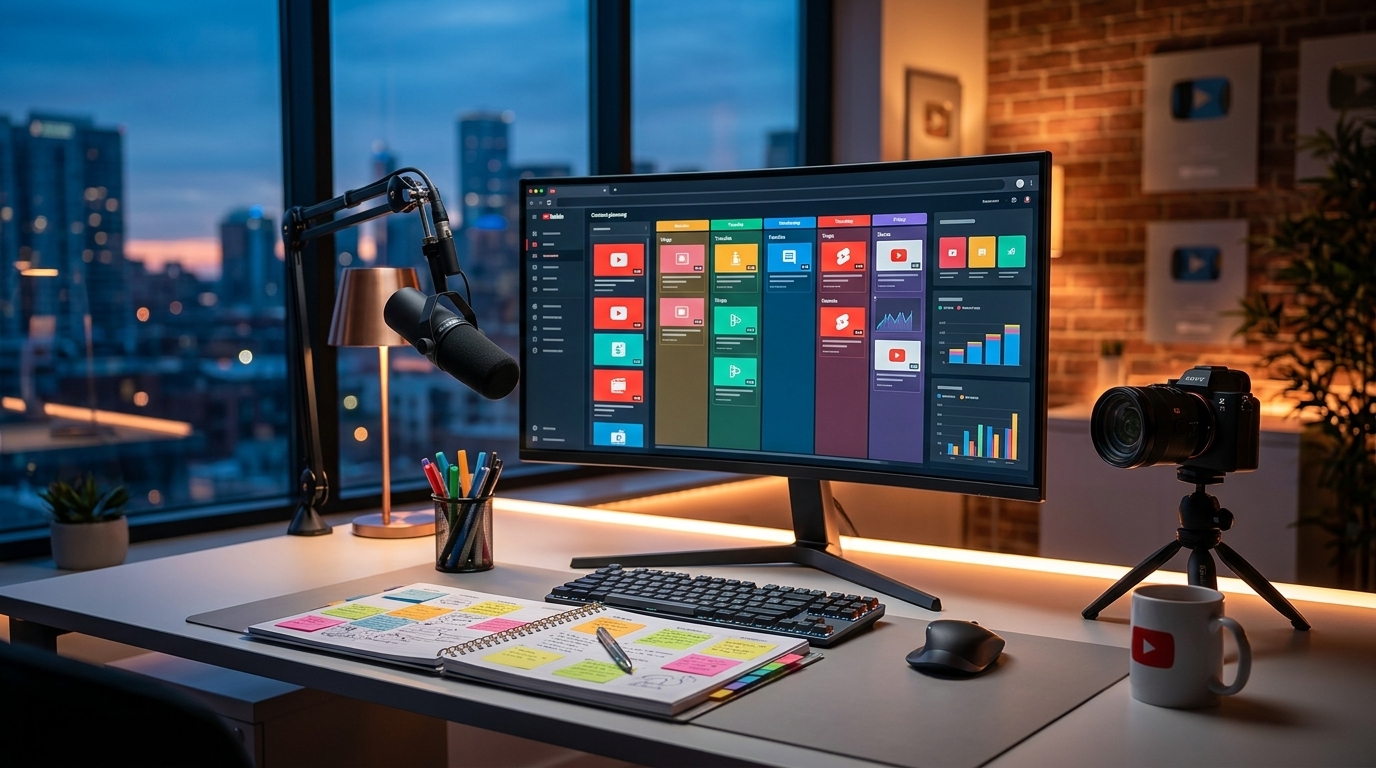
Unlock Views: The Ultimate Guide to Automated Thumbnail Creation for YouTube Success

Introduction
Tired of spending hours designing thumbnails? Do you find yourself rushing to create something 'good enough' right before your video goes live? You're not alone. As a YouTuber or content creator, you know how crucial eye-catching thumbnails are to attracting viewers. They're the first impression, the digital handshake that entices someone to click. But who has the time to be a professional designer on top of everything else? That's where automated thumbnail creation comes in. This guide will equip you with the knowledge to leverage automated tools, reclaim your time, and significantly boost your click-through rate (CTR).
Why Automate Your Thumbnail Creation?
Let's be honest: consistently creating high-quality thumbnails is time-consuming. Manual design requires significant effort, especially when you're focusing on video production, promotion, and community engagement. Here's why automating the process can be a game-changer:
- Save Time and Resources: Reclaim hours each week by automating the thumbnail creation process. Invest that time in crafting better content or engaging with your audience.
- Maintain Brand Consistency: Automated tools allow you to create and reuse templates, ensuring a consistent visual style across all your videos. This strengthens brand recognition and helps viewers easily identify your content.
- Improve Click-Through Rate (CTR): Well-designed thumbnails grab attention and entice viewers to click. Automated tools often incorporate best practices for visual appeal, potentially leading to a significant increase in your CTR.
- Experiment and Optimize: A/B testing different thumbnail designs becomes easier with automation. You can quickly generate variations and analyze their performance to identify what resonates best with your audience.
Choosing the Right Automation Tool
Several automated thumbnail creation tools cater to different needs and skill levels. When selecting a tool, consider the following factors:
- Ease of Use: Opt for a user-friendly interface that requires minimal design experience. Drag-and-drop editors and pre-designed templates are excellent starting points.
- Customization Options: Ensure the tool offers sufficient customization options to match your brand's visual style. Look for features like font selection, color palettes, image overlays, and text effects.
- Integration with YouTube: Some tools offer direct integration with YouTube, allowing you to upload thumbnails directly from the platform. This streamlines the workflow and saves time.
- Pricing and Features: Compare the pricing plans and features of different tools to find one that fits your budget and requirements. Free trials can be helpful for testing out different options before committing to a paid subscription.
Popular options include (but are not limited to):
- Canva
- Adobe Express
- Snappa
- Fotor
Remember to research each tool and read reviews from other content creators to make an informed decision.
Best Practices for Automated Thumbnail Design
Even with automation, following best practices is crucial to creating effective thumbnails. Here are some tips to keep in mind:
- Use High-Quality Images: Start with sharp, clear images that accurately represent your video content. Avoid blurry or pixelated images.
- Optimize for Mobile: Ensure your thumbnails look good on small screens. Use large, legible text and avoid overcrowding the design.
- Incorporate Visual Cues: Use arrows, circles, and other visual cues to draw attention to specific elements and guide the viewer's eye.
- Use Contrasting Colors: Choose colors that stand out against the YouTube background and grab the viewer's attention.
- A/B Test Your Thumbnails: Experiment with different designs and analyze their performance to identify what resonates best with your audience. Use YouTube Analytics to track your CTR and make data-driven decisions.
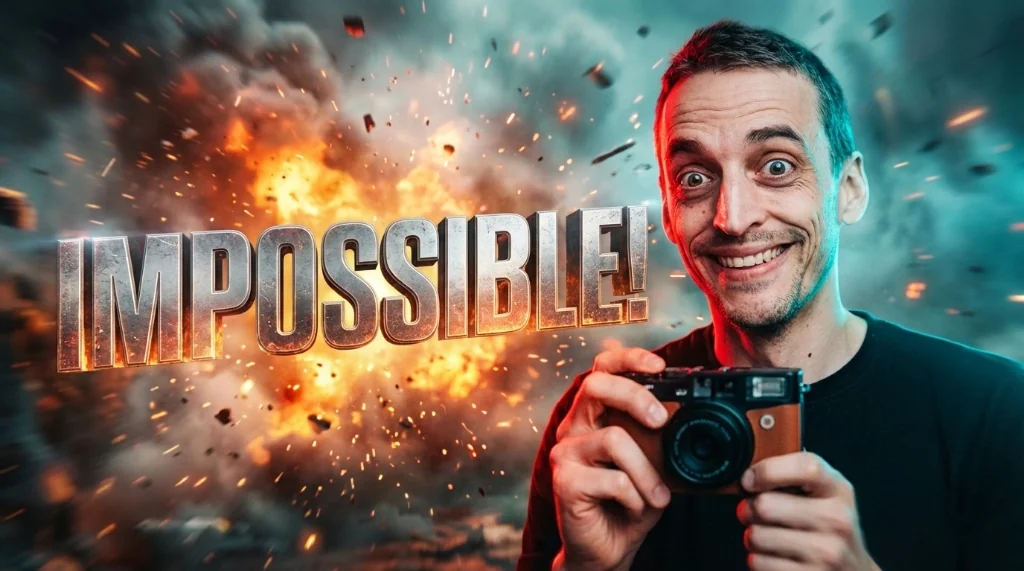
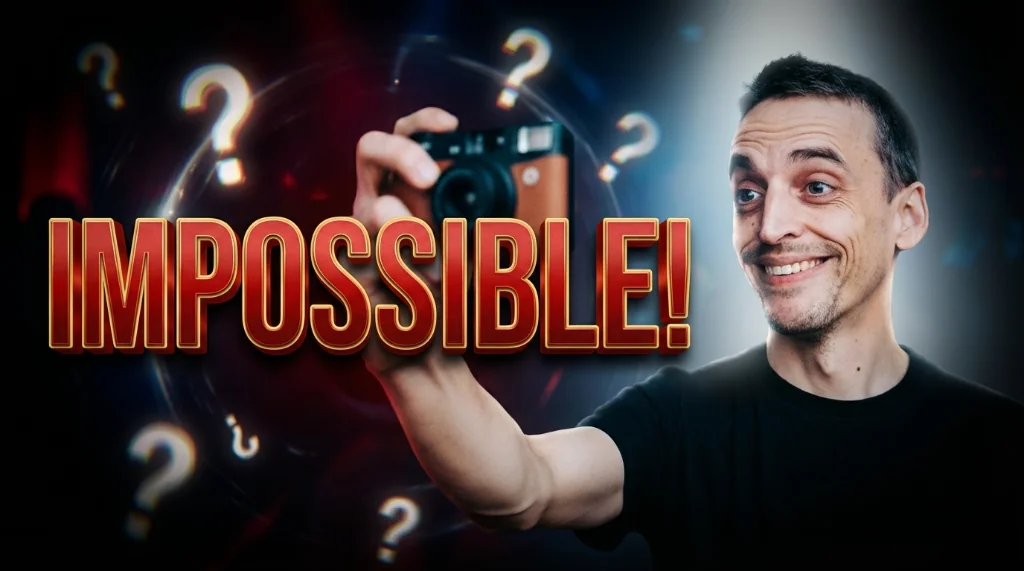
- Faces Work Well: Include a clear shot of your face displaying the emotion of the video. People connect with faces!
Conclusion
Automated thumbnail creation is a powerful tool for YouTubers and content creators looking to save time, improve their visual branding, and boost their click-through rates. By choosing the right tool and following best practices, you can create eye-catching thumbnails that attract viewers and help your channel grow. Stop letting thumbnail creation be a chore and start using it as a growth lever. Now go forth and create some click-worthy thumbnails!
Stop Guessing. Start Going Viral.
Join thousands of creators using AI to generate high-CTR thumbnails in seconds. No design skills required.

Read Next
From Zero to Hero: Your Ultimate Guide to Growing a YouTube Channel
Unleash Viral Potential: Storytelling Techniques for YouTube Domination