Unleash Your YouTube Potential: Master the Art of AI Thumbnail Creation
Introduction
In the ever-competitive world of YouTube and online content creation, grabbing attention is paramount. Your video thumbnail is often the first (and sometimes only) impression viewers have. A captivating thumbnail can be the difference between a click and a scroll-past. Traditionally, crafting high-quality thumbnails required graphic design skills and expensive software. But now, Artificial Intelligence (AI) is revolutionizing the game. AI thumbnail makers are emerging as powerful tools, empowering creators of all skill levels to design compelling visuals that boost click-through rates and grow their audience. This guide dives deep into the world of AI thumbnail creation, equipping you with the knowledge and strategies to leverage this technology for maximum impact.
Why Use an AI Thumbnail Maker?
Creating thumbnails manually can be time-consuming and require a steep learning curve. AI thumbnail makers offer several key advantages:
- Speed and Efficiency: AI algorithms can generate multiple thumbnail options in seconds, saving you valuable time and effort.
- No Design Experience Required: These tools are designed to be user-friendly, even for those with no prior graphic design experience. AI guides you through the process.
- Data-Driven Optimization: Many AI thumbnail makers incorporate data analytics to suggest designs that are likely to perform well based on trends and viewer behavior.
- A/B Testing Made Easy: Quickly generate variations of your thumbnails and test them against each other to identify the most effective designs.
- Cost-Effective: AI thumbnail makers are often more affordable than hiring a professional graphic designer, especially for creators on a budget.
Key Features to Look for in an AI Thumbnail Maker
Not all AI thumbnail makers are created equal. Consider these features when choosing the right tool for your needs:
- Customization Options: Look for tools that offer a wide range of customization options, including font choices, color palettes, image adjustments, and layout options.
- AI-Powered Suggestions: The best AI thumbnail makers will provide intelligent suggestions based on your video content, target audience, and current trends. Look for recommendations on text overlays, image placement, and overall design.
- Integration with YouTube: Seamless integration with YouTube allows you to directly upload your thumbnails without having to download and re-upload files.
- A/B Testing Capabilities: Ensure the tool supports A/B testing so you can experiment with different designs and identify the ones that perform best.
- User-Friendly Interface: Opt for a tool with an intuitive interface that is easy to navigate and use, even for beginners.
Best Practices for Using AI Thumbnail Makers
While AI thumbnail makers can automate much of the design process, it's important to follow these best practices to create truly effective thumbnails:
- High-Quality Images: Always use high-resolution images that are clear, sharp, and visually appealing. Avoid blurry or pixelated images.
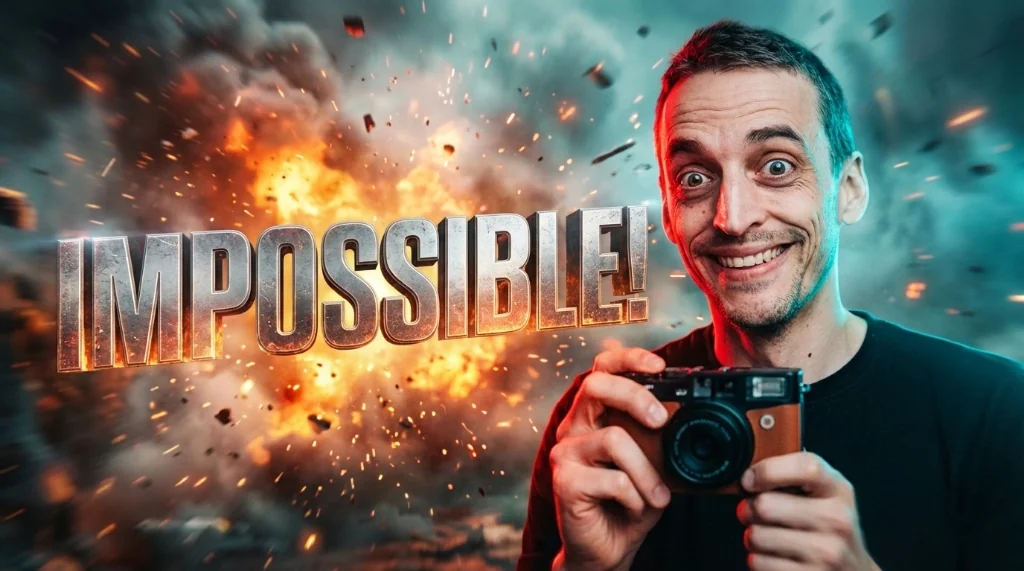
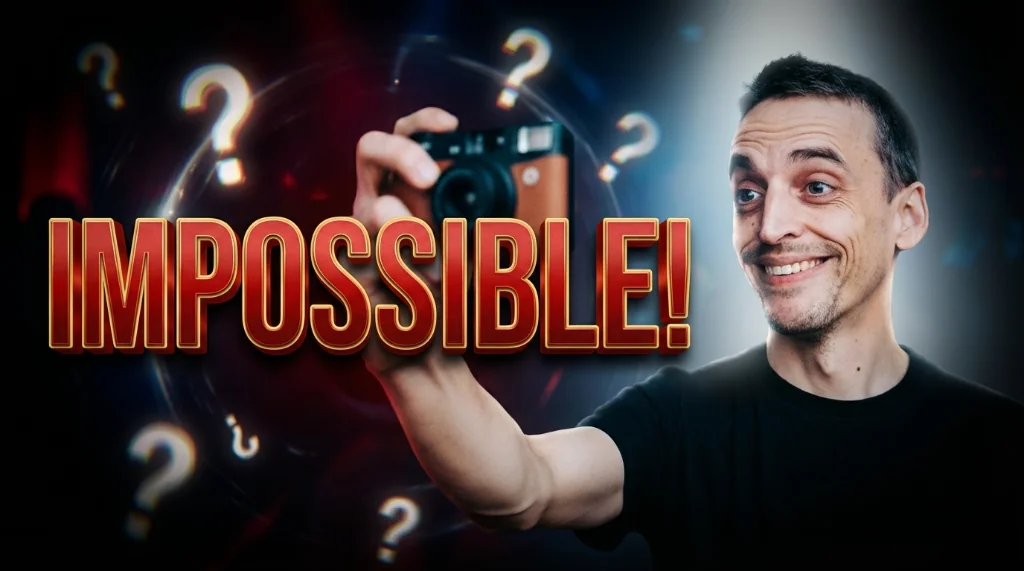
- Compelling Text Overlays: Use concise, eye-catching text that clearly conveys the video's main message. Choose fonts and colors that are easy to read and contrast well with the background.
- Consistent Branding: Maintain a consistent visual style across all your thumbnails to reinforce your brand identity and make your videos easily recognizable.
- Emotions and Expressions: If possible, include human faces with strong emotions and expressions to draw viewers in.
- A/B Test Relentlessly: Continuously experiment with different thumbnail designs and analyze the results to optimize your click-through rates over time.
Conclusion
AI thumbnail makers are powerful tools that can help you create visually stunning and highly effective thumbnails, even if you have no prior design experience. By leveraging the speed, efficiency, and data-driven insights of AI, you can significantly improve your click-through rates, grow your audience, and achieve your YouTube goals. Embrace the power of AI and unlock your video's full potential!
Stop Guessing. Start Going Viral.
Join thousands of creators using AI to generate high-CTR thumbnails in seconds. No design skills required.

Read Next
From Zero to Hero: Your Ultimate Guide to Growing a YouTube Channel
Unleash Viral Potential: Storytelling Techniques for YouTube Domination