Thumbnail Size & Resolution: The Ultimate Guide for 2024
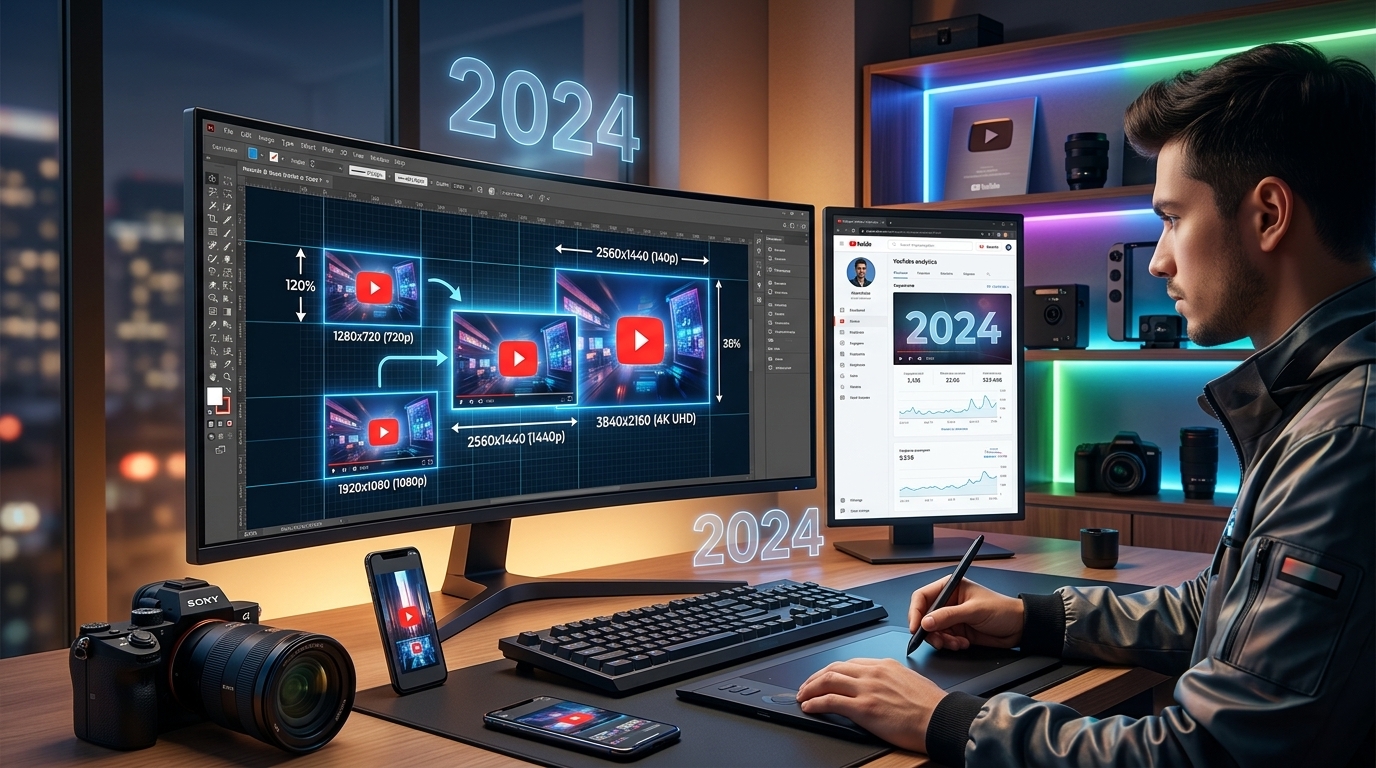
Thumbnail Size & Resolution: The Ultimate Guide for 2024
In today's visually driven online world, thumbnails are your first impression. They're the billboards of the internet, and a poorly designed or improperly sized thumbnail can mean the difference between a click and a scroll-past. This guide will cover everything you need to know about thumbnail size and resolution to maximize engagement.
Why Thumbnail Size and Resolution Matter
- Click-Through Rate (CTR): An attractive and clear thumbnail grabs attention and entices viewers to click.
- Search Engine Optimization (SEO): Platforms like YouTube use thumbnail quality as a ranking factor.
- Professionalism: High-quality thumbnails enhance your brand's image and credibility.
- Mobile Optimization: With most users browsing on mobile devices, your thumbnail needs to look great on smaller screens.
Optimal Thumbnail Sizes for Different Platforms
Here's a breakdown of the recommended thumbnail sizes for popular platforms:
- YouTube: 1280 x 720 pixels (16:9 aspect ratio). Keep file size under 2MB.
- Facebook: 1200 x 630 pixels (but may display smaller).
- Instagram: 1080 x 1080 pixels (square for profile grid, but consider 1080x1350 for feed).
- LinkedIn: 1200 x 627 pixels.
- Twitter: 1200 x 675 pixels.
Understanding Resolution (DPI)
Resolution, measured in DPI (dots per inch), determines the sharpness and clarity of your thumbnail. While a higher DPI generally means better quality, it also increases file size. For web thumbnails, 72 DPI is typically sufficient. Higher DPIs are generally overkill and needlessly inflate file size.
Best Practices for Creating Effective Thumbnails
- Use High-Quality Images: Start with sharp, well-lit source images. Avoid blurry or pixelated visuals.
- Maintain a Consistent Brand: Use consistent colors, fonts, and design elements to build brand recognition.
- Keep it Simple: Avoid clutter and unnecessary details. Focus on a clear, concise message.
- Use Contrasting Colors: Make your text and key elements stand out against the background.
- Add Text Overlays: Use text to clearly communicate the video's topic or key message. Ensure readability on small screens.
- Consider Color Psychology: Colors evoke different emotions. Use them strategically to attract your target audience. For example, Viralth Studio utilizes 'Viral Red' for a reason - it catches the eye and creates a sense of urgency.
- Show Faces (Where Appropriate): Human faces can create an emotional connection and increase click-through rates.
Common Thumbnail Mistakes to Avoid
- Using Low-Resolution Images: This results in blurry and unprofessional-looking thumbnails.
- Overcrowding the Thumbnail: Too many elements can make it difficult to understand the message.
- Using Unreadable Text: Choose fonts and sizes that are easily readable on small screens.
- Misleading Content: Don't create thumbnails that are unrelated to the actual video content. This leads to viewer disappointment and lower engagement.
- Ignoring Mobile View: Always check how your thumbnail looks on mobile devices.
Tools for Creating Stunning Thumbnails
There are numerous tools available for creating thumbnails, ranging from free online editors to professional design software. However, creating high-converting thumbnails can still be challenging. That’s where Viralth Studio comes in.
Why Choose Viralth Studio?
Viralth Studio offers a unique blend of AI-powered features and user-friendly design to help you create thumbnails that drive results. Here's what sets it apart:
- AI-Driven Composition and Face Preservation: Our AI intelligently analyzes your images and automatically optimizes the composition for maximum impact. It also ensures that faces are always clear and well-framed, even in complex layouts.
- Automatic Readability Checks for Small Screens: Viralth Studio automatically checks the readability of your text on various screen sizes, ensuring that your message is always clear and easy to understand, even on mobile devices.
- <2MB File Size Optimization: We automatically optimize your thumbnails to meet YouTube's file size requirements (<2MB) without sacrificing quality.
- 'Viral Red' Color Psychology: Utilize our pre-designed templates with proven color palettes, including the signature 'Viral Red' to maximize viewer engagement.
Conclusion
Creating compelling thumbnails is essential for success on platforms like YouTube. By understanding the optimal size and resolution, avoiding common mistakes, and utilizing powerful tools like Viralth Studio, you can create thumbnails that grab attention, increase click-through rates, and drive more traffic to your content. Start optimizing your thumbnails today and see the difference it makes!
Stop Guessing. Start Going Viral.
Join thousands of creators using AI to generate high-CTR thumbnails in seconds. No design skills required.


Read Next
From Zero to Hero: Your Ultimate Guide to Growing a YouTube Channel
Unleash Viral Potential: Storytelling Techniques for YouTube Domination