Thumbnail Size and Resolution Guide: Grab Attention & Get More Clicks!
Thumbnail Size and Resolution Guide: Grab Attention & Get More Clicks!
Your video thumbnail is the first impression your content makes. A blurry, poorly sized thumbnail can kill your click-through rate, no matter how great your video is. This guide will walk you through the ideal thumbnail size, resolution, and best practices to create eye-catching thumbnails that drive views.
Why Thumbnail Size and Resolution Matter
The thumbnail is your video's billboard. Think about it: most viewers are quickly scrolling through search results or suggested videos. A clear, crisp, and engaging thumbnail is what makes them stop and click.
- First Impressions: A professional-looking thumbnail instantly boosts perceived quality.
- Click-Through Rate (CTR): A compelling thumbnail is directly linked to a higher CTR.
- Brand Recognition: Consistent thumbnail styles reinforce your brand identity.
- SEO: Although not a direct ranking factor, better CTR can signal relevance to YouTube's algorithm.
The Ideal Thumbnail Size and Resolution
YouTube recommends a specific size and resolution for optimal display across various devices.
- Resolution: 1280x720 pixels (minimum width of 640 pixels).
- Aspect Ratio: 16:9 (this is the most widely used ratio for video players).
- File Size: Under 2MB. YouTube's limit is 2MB, and exceeding that means you won't be able to upload. Keeping it small is crucial for fast loading times.
- File Format: JPG, GIF, or PNG. JPG is generally preferred for its balance of quality and file size.
Creating Stunning Thumbnails: Best Practices
Beyond the technical specs, these tips will help you create thumbnails that convert:
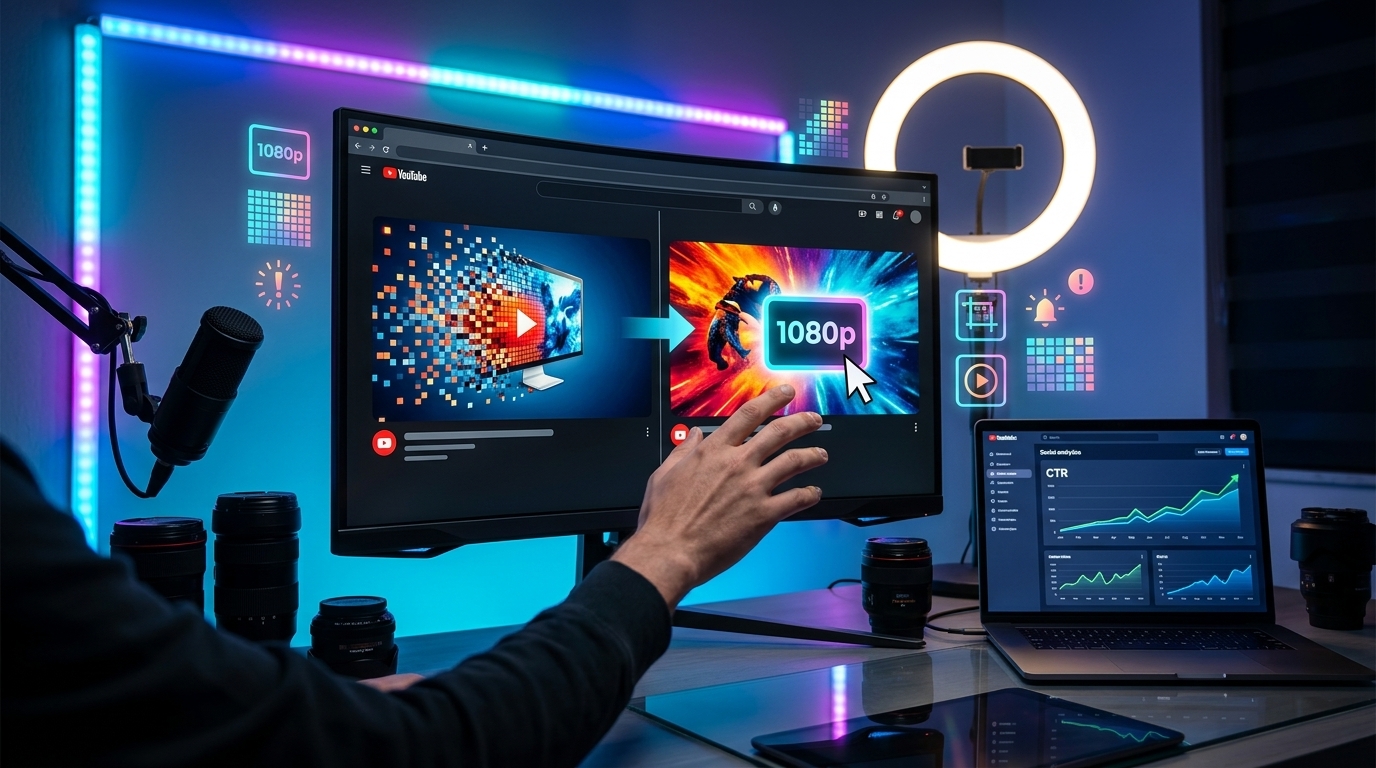
- Use High-Quality Images: Avoid blurry or pixelated images. Use professional photos or screenshots from your video.
- Compelling Faces: Include faces if relevant. People are naturally drawn to faces, especially those showing emotion.
- Clear and Concise Text: Use large, easy-to-read fonts. Keep the text short and to the point. Consider using a contrasting background to make the text pop.
- Branding Elements: Incorporate your logo or brand colors to build recognition.
- Color Psychology: Use colors strategically. Consider using bright colors or colors that evoke specific emotions. For example, red often conveys excitement and urgency.
- A/B Testing: Experiment with different thumbnail designs to see what performs best. YouTube allows you to change thumbnails, so try out different versions and track your click-through rates.
Common Thumbnail Mistakes to Avoid
- Blurry or Pixelated Images: This screams unprofessional and will deter viewers.
- Misleading Thumbnails: Don't bait viewers with a thumbnail that doesn't accurately represent the video's content. This leads to disappointment and hurts your channel's reputation.
- Cluttered Designs: Too much information overwhelms viewers. Keep it simple and focused.
- Inconsistent Branding: Maintain a consistent thumbnail style across your videos to strengthen brand recognition.
Simplify Thumbnail Creation with Viralth Studio
Creating eye-catching thumbnails that adhere to YouTube's guidelines can be time-consuming. That's where Viralth Studio comes in. It's your all-in-one solution for thumbnail creation and optimization.
Here’s how Viralth Studio helps you create winning thumbnails:
- AI-Driven Composition: Our AI intelligently analyzes your images and suggests optimal layouts for maximum impact. The AI also features advanced face preservation to ensure that faces are always in focus and look their best.
- Automatic Readability Checks: Viralth Studio automatically checks the readability of your text on small screens, ensuring that your message is clear and visible to all viewers.
- Optimized File Size: Viralth Studio automatically compresses your thumbnails to under 2MB without sacrificing quality. This ensures they upload quickly to YouTube.
- Color Psychology: We help you leverage color psychology, including our signature "Viral Red", to grab attention and increase engagement.
- Templates: Get started quickly with our library of professionally designed templates.
Stop struggling with complex design software and start creating thumbnails that drive clicks with Viralth Studio. Try it today and see the difference!
Stop Guessing. Start Going Viral.
Join thousands of creators using AI to generate high-CTR thumbnails in seconds. No design skills required.

Read Next
From Zero to Hero: Your Ultimate Guide to Growing a YouTube Channel
Unleash Viral Potential: Storytelling Techniques for YouTube Domination