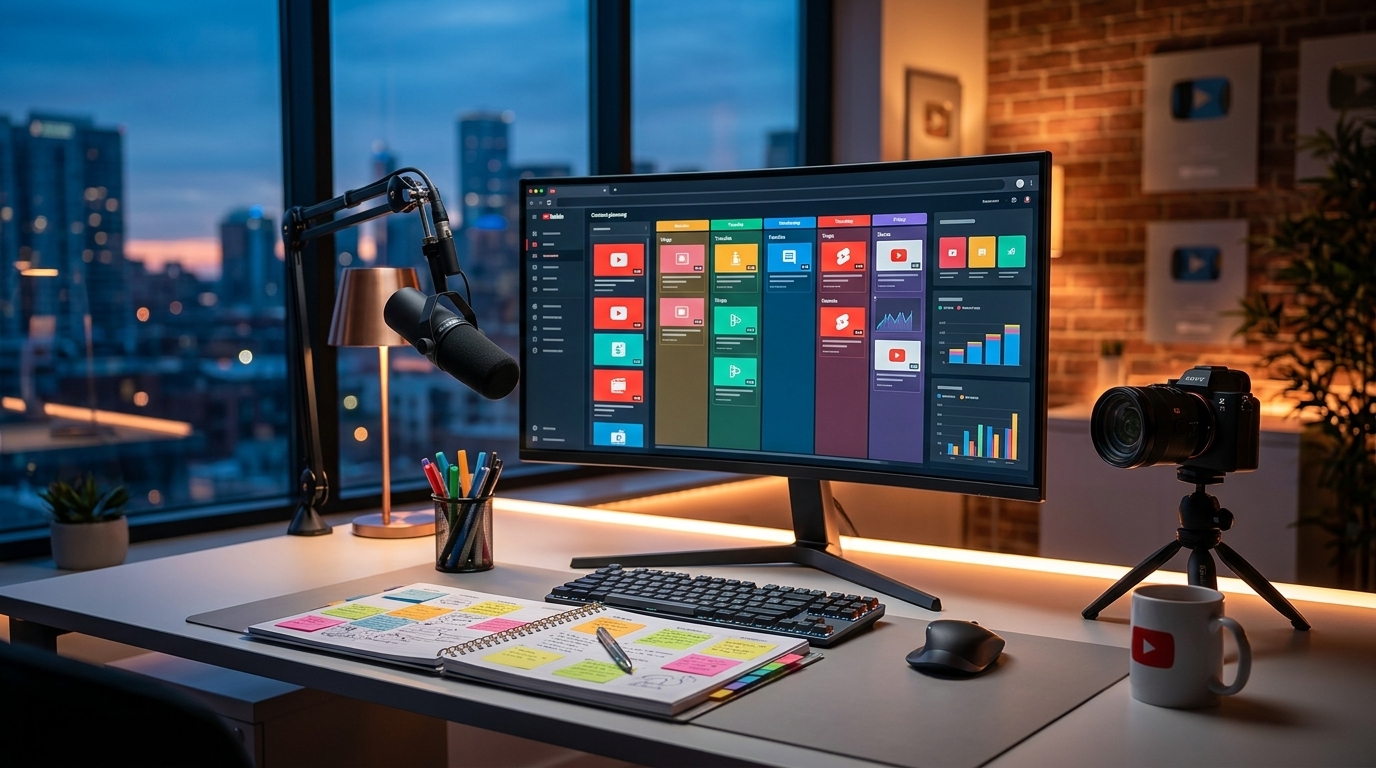
Stop the Scroll: Killer YouTube Thumbnail Design Tips for 2024

Stop the Scroll: Killer YouTube Thumbnail Design Tips for 2024
Your YouTube thumbnail is the first impression you make. It's the silent salesperson vying for clicks in a sea of videos. A well-designed thumbnail can drastically increase your click-through rate (CTR) and catapult your video into the spotlight. Conversely, a poorly designed one can leave your amazing content buried. Let's dive into actionable thumbnail design tips to boost your YouTube game.
Why YouTube Thumbnails Matter
Think of your thumbnail as a mini-advertisement. It needs to be eye-catching, intriguing, and accurately represent the video's content. A compelling thumbnail does the following:
- Grabs Attention: Stands out from the crowd.
- Communicates Value: Tells viewers what they'll gain.
- Sets Expectations: Accurately represents the video's content.
- Increases CTR: Encourages viewers to click.
Top YouTube Thumbnail Design Tips
Here's how to create YouTube thumbnails that convert viewers into subscribers:
1. High-Quality Visuals are Non-Negotiable
Blurry, pixelated thumbnails scream "unprofessional." Use high-resolution images. Ensure your subject is in focus and well-lit. The image should be crisp and clear, even when scaled down on mobile devices.
2. Embrace Bold Colors & Contrasting Text
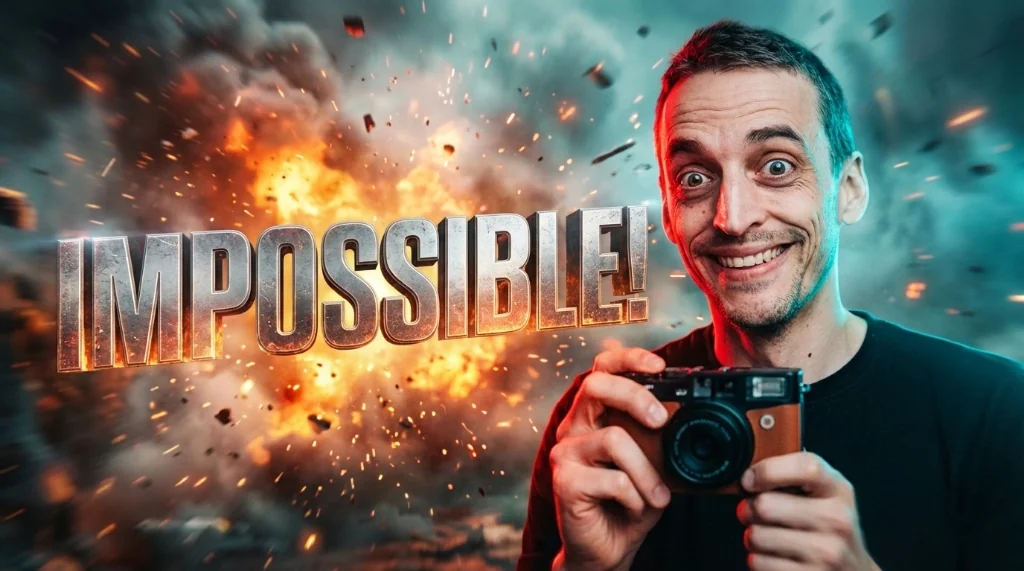
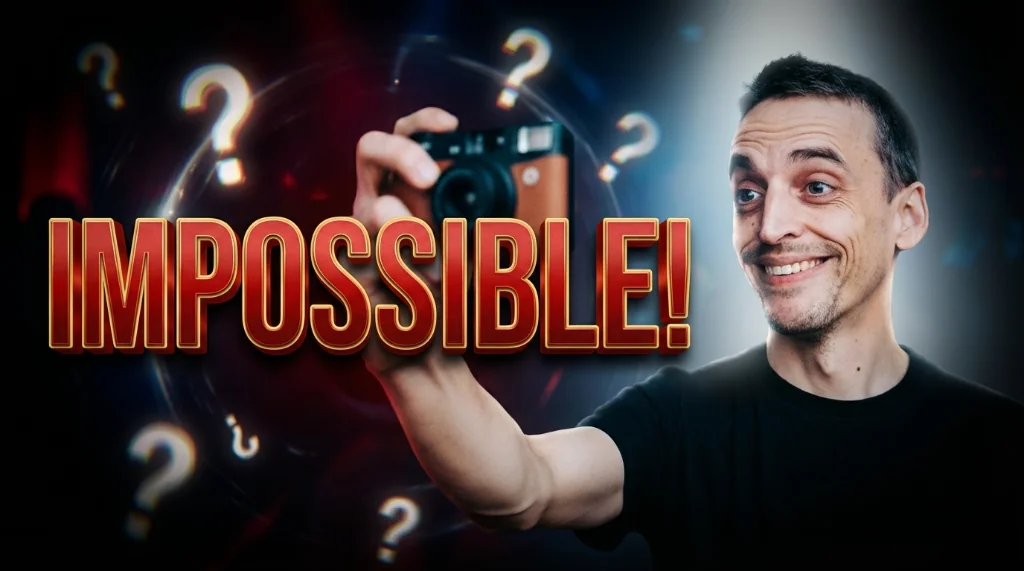
Use vibrant colors that pop, but be mindful of color psychology. For example, the color red often evokes excitement and energy. That's why, at Viralth Studio, we emphasize the impact of "Viral Red" in our thumbnail design templates.
3. Typography Matters: Keep it Legible
Choose fonts that are easy to read at a glance, even on small screens. Use contrasting colors to ensure your text stands out against the background. Avoid overly complicated or stylized fonts that can be difficult to decipher. Viralth Studio includes automatic readability checks for small screens, ensuring your message gets across, no matter the device.
4. Show Faces: Human Connection is Key
Including a human face in your thumbnail can significantly boost engagement. People are naturally drawn to faces, especially those displaying strong emotions. Ensure the face is clear, well-lit, and expressive. Viralth Studio's AI-driven composition tools excel at face preservation, ensuring your expressions are always front and center.
5. Tell a Story: Intrigue Viewers
Your thumbnail should hint at the video's content without giving everything away. Leave viewers wanting more, sparking their curiosity and enticing them to click.
6. Consistency is King: Build Your Brand
Maintain a consistent visual style across all your thumbnails to build brand recognition. Use the same fonts, color palettes, and design elements to create a cohesive and recognizable brand image.
7. Optimize for Mobile: Think Small Screen
Most YouTube viewers watch videos on their mobile devices. Ensure your thumbnail looks good on smaller screens. Avoid clutter and prioritize essential information. As a reminder, Viralth Studio's automatic readability checks for small screens make this a breeze!
8. Keep File Size in Check
YouTube recommends thumbnail file sizes under 2MB. Large files can slow down loading times and negatively impact your video's performance. Luckily, Viralth Studio automatically optimizes your thumbnails to be under 2MB without sacrificing quality.
Tools & Resources
While several design tools are available, we at Viralth Studio believe our platform provides the most comprehensive solution for creating high-converting YouTube thumbnails. With AI-powered features, automatic optimization, and a focus on visual impact, Viralth Studio empowers you to create thumbnails that stand out and drive results.
Other options include: Canva, Adobe Photoshop, and GIMP.
The Viralth Studio Advantage
Why choose Viralth Studio for your YouTube thumbnail design?
- AI-Driven Composition: Smart algorithms ensure optimal layout and visual appeal.
- Face Preservation: Prioritizes clear and expressive faces.
- Automatic Readability Checks: Guarantees legibility on all devices.
- <2MB File Size Optimization: Perfect for YouTube's requirements.
- "Viral Red" Color Psychology: Templates designed for maximum impact.
Stop settling for mediocre thumbnails. Elevate your YouTube game with Viralth Studio and start attracting more viewers today!
Stop Guessing. Start Going Viral.
Join thousands of creators using AI to generate high-CTR thumbnails in seconds. No design skills required.

Read Next
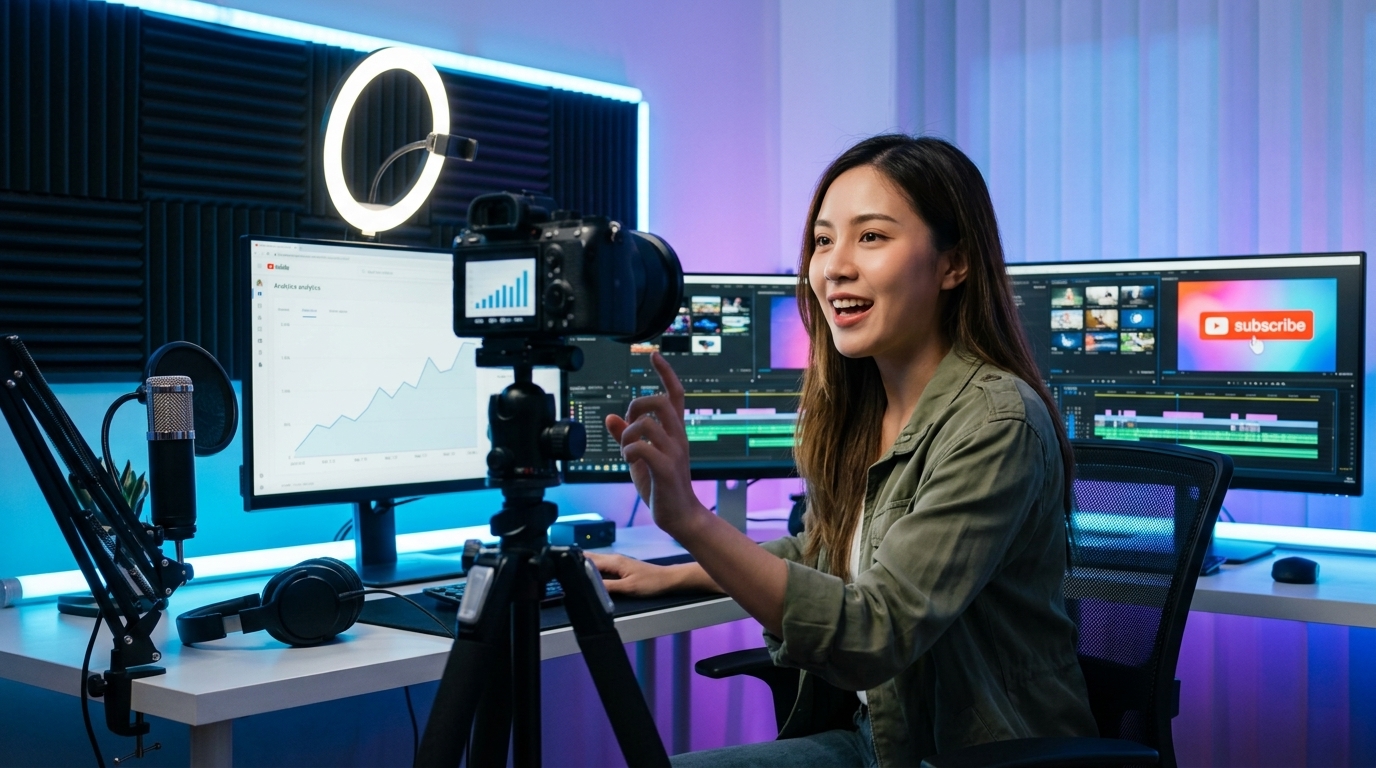
From Zero to Hero: Your Ultimate Guide to Growing a YouTube Channel
Unleash Viral Potential: Storytelling Techniques for YouTube Domination