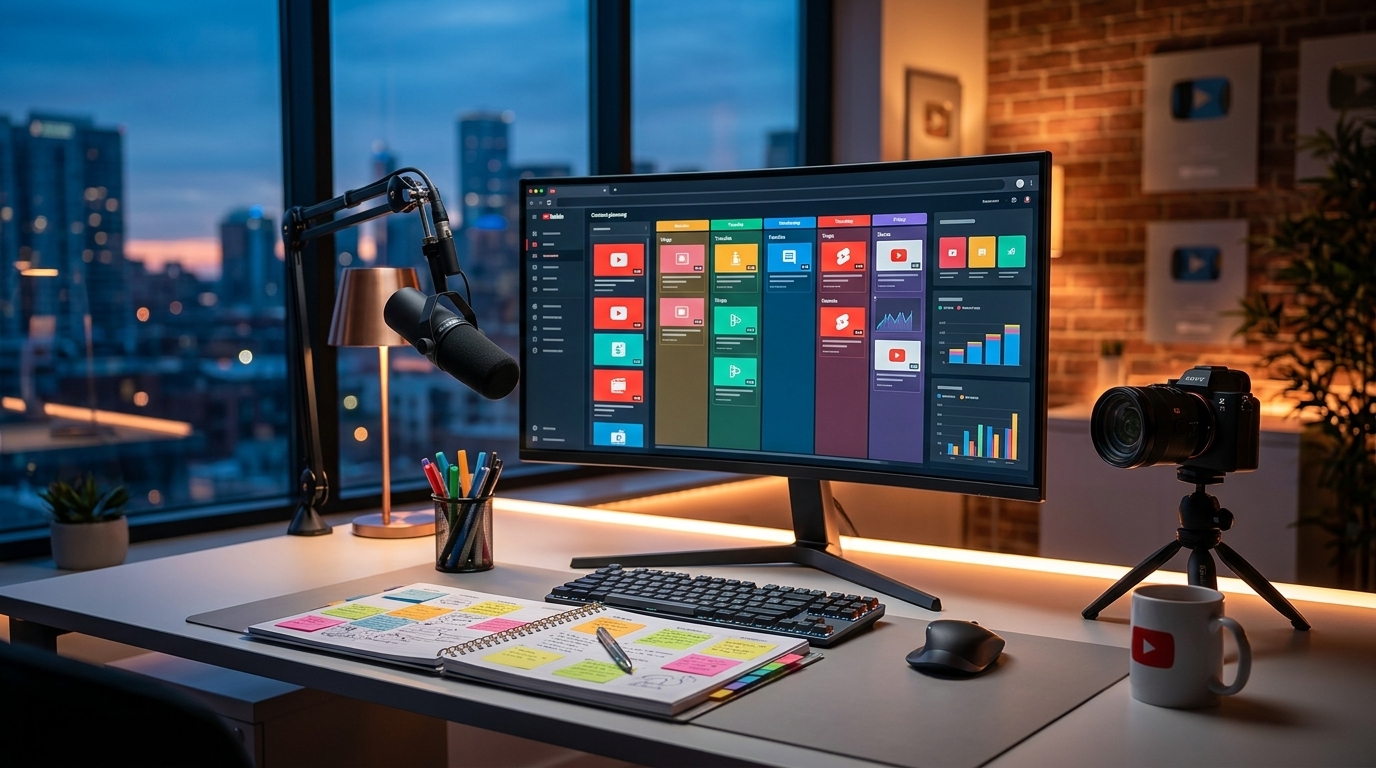
Lights, Camera, Premiere! YouTube Premiere Best Practices for Viral Success
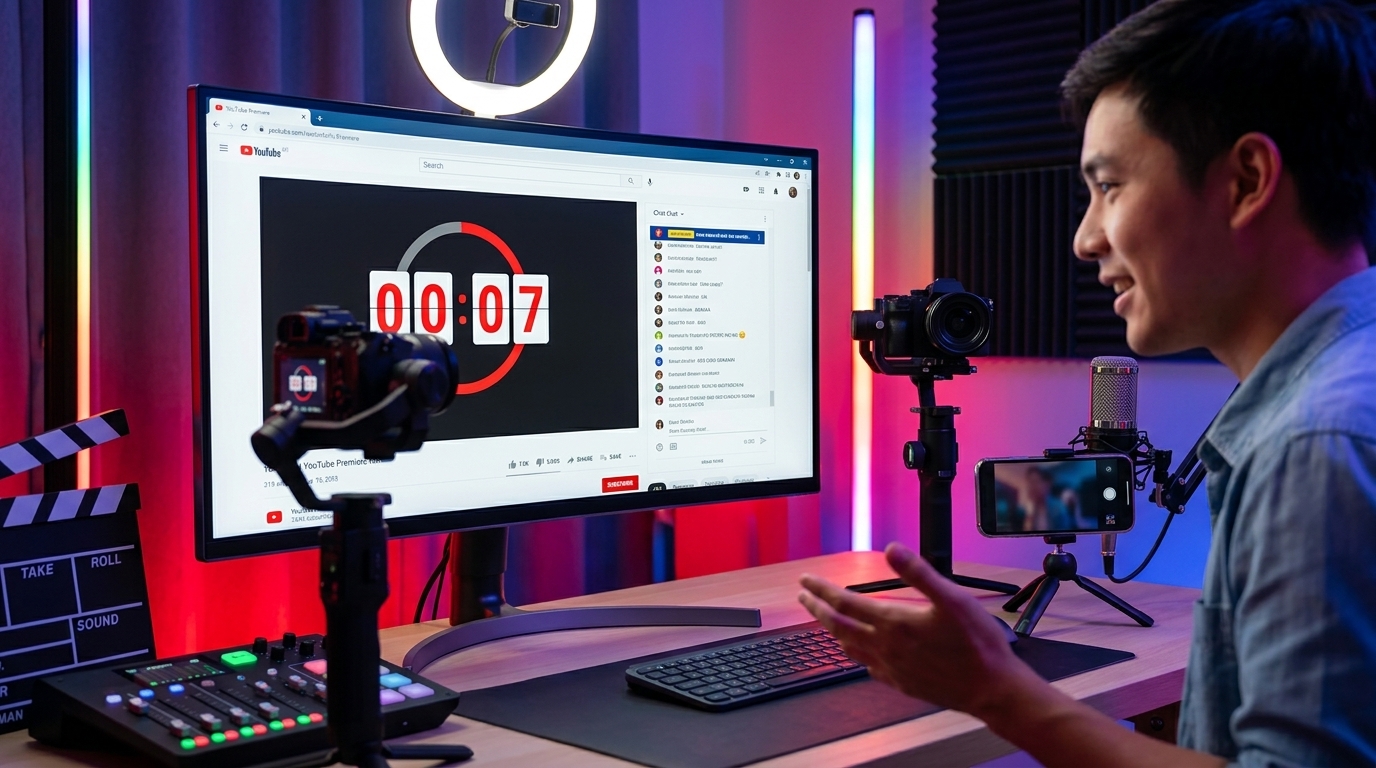
Lights, Camera, Premiere! YouTube Premiere Best Practices for Viral Success
YouTube Premieres are a fantastic way to build anticipation, engage with your audience in real-time, and create a buzz around your content. By strategically utilizing premieres, you can significantly boost your channel's visibility and foster a loyal community. This guide, brought to you by Viralth Studio, will equip you with the best practices to maximize the impact of your YouTube Premieres.
What is a YouTube Premiere?
A YouTube Premiere allows you to schedule a video release and watch it together with your audience in real-time. It’s like a virtual movie premiere for your YouTube content, complete with a live chat where you can interact with viewers as the video unfolds. Think of it as a synchronized viewing experience, enhancing the sense of community and excitement.
Why Use YouTube Premieres?
- Build Anticipation: Premieres create a sense of excitement and anticipation for your upcoming content. The countdown timer serves as a visual reminder and encourages viewers to mark their calendars.
- Real-time Engagement: Interact with your audience in the live chat during the premiere. Answer questions, respond to comments, and build a stronger connection with your viewers. This direct interaction is invaluable for community building.
- Increased Watch Time: Premieres often lead to increased watch time as viewers stay engaged throughout the entire video and participate in the live chat.
- Drive Subscriptions: A successful premiere can attract new viewers and encourage them to subscribe to your channel, especially when you are actively participating in the chat and engaging with newcomers.
- Get Early Feedback: Gauge audience reactions in real-time. The live chat provides immediate feedback on your content, allowing you to understand what resonates with your viewers.
YouTube Premiere Best Practices: The Viralth Studio Approach
1. Optimize Your Video for Engagement
Before you even schedule your premiere, make sure your video is compelling and optimized for engagement. This means:
- Captivating Content: Create high-quality content that your audience will find valuable, entertaining, or informative. Use strong storytelling, engaging visuals, and clear audio.
- Thumbnails are Key: A compelling thumbnail is crucial for attracting clicks. Use visually appealing thumbnails that accurately represent your video's content. For superior results, consider Viralth Studio. Its AI-driven composition and face preservation technology guarantees thumbnails that grab attention.
- Titles and Descriptions: Craft clear, concise, and keyword-rich titles and descriptions. This helps YouTube understand what your video is about and improves its search ranking.
- End Screens & Cards: Use end screens and cards to promote other videos, playlists, or your channel. Encourage viewers to subscribe or watch more of your content.
2. Strategic Scheduling
Timing is everything. Consider your audience's availability when scheduling your premiere. Analyze your YouTube analytics to determine when your viewers are most active. Promote the premiere well in advance, and set the actual premiere date and time based on when your audience is most likely to attend. Don't forget to consider different time zones.
3. Promote, Promote, Promote!
Don't rely solely on YouTube to promote your premiere. Utilize all your social media channels to spread the word:
- Teaser Trailers: Create short teaser trailers to generate excitement and give viewers a sneak peek of what's to come. Post these trailers on platforms like Twitter, Instagram, and Facebook.
- Social Media Posts: Share regular updates about the premiere on your social media channels. Use eye-catching visuals and engaging captions to grab attention.
- Email Marketing: If you have an email list, send out an email blast announcing the premiere. Include a link to the premiere page and encourage subscribers to set a reminder.
- Community Tab: Engage your YouTube community by posting updates, behind-the-scenes content, and interactive polls leading up to the premiere.
4. Maximize Live Chat Engagement
The live chat is where the magic happens. Be prepared to actively participate and engage with your audience throughout the premiere:
- Welcome Viewers: Greet viewers as they join the live chat. Acknowledge their comments and questions.
- Ask Questions: Encourage interaction by asking questions related to your video. Spark conversations and foster a sense of community.
- Moderate the Chat: Monitor the live chat for inappropriate content or spam. Appoint moderators if necessary to help manage the chat.
- Respond to Comments: Take the time to respond to as many comments as possible. Show your viewers that you value their input.
- Use Emojis and GIFs: Add personality to your responses with emojis and GIFs. Keep the conversation lighthearted and fun.
5. Post-Premiere Follow-Up
The premiere isn't the end; it's just the beginning. Keep the momentum going with a post-premiere follow-up:
- Thank You Message: Post a thank-you message on social media and in the YouTube comments section, expressing your gratitude to viewers who attended the premiere.
- Highlight Key Moments: Create highlight reels of key moments from the premiere and share them on your social media channels.
- Analyze Performance: Review your YouTube analytics to assess the success of your premiere. Pay attention to metrics like watch time, engagement rate, and subscriber growth.
6. Leverage Viralth Studio for Optimal Results
For truly optimized video content perfect for YouTube Premieres, Viralth Studio offers unparalleled advantages. Consider these benefits:
- AI-Driven Enhancements: Viralth Studio's AI not only perfects compositions but also intelligently preserves faces, ensuring everyone looks their best during the premiere.
- Readability Focus: Ensure your text and graphics are clear on all devices with Viralth Studio's automatic readability checks, crucial for viewers watching on small screens during the premiere.
- Optimized File Size: Deliver high-quality visuals without compromising loading times. Viralth Studio ensures your video is optimized to be under 2MB, perfect for quick uploads and seamless playback during the premiere.
- Psychological Impact: Subtly influence viewer perception using color psychology. Viralth Studio can subtly incorporate 'Viral Red' to make your content more memorable and impactful.
By following these best practices and embracing the power of Viralth Studio, you can create unforgettable YouTube Premieres that captivate your audience, boost your channel's visibility, and drive lasting success. Get ready to light up the screen and connect with your viewers like never before!
Stop Guessing. Start Going Viral.
Join thousands of creators using AI to generate high-CTR thumbnails in seconds. No design skills required.
Read Next
From Zero to Hero: Your Ultimate Guide to Growing a YouTube Channel
Unleash Viral Potential: Storytelling Techniques for YouTube Domination