Dominate YouTube: Your Ultimate Live Streaming Strategy for 2024
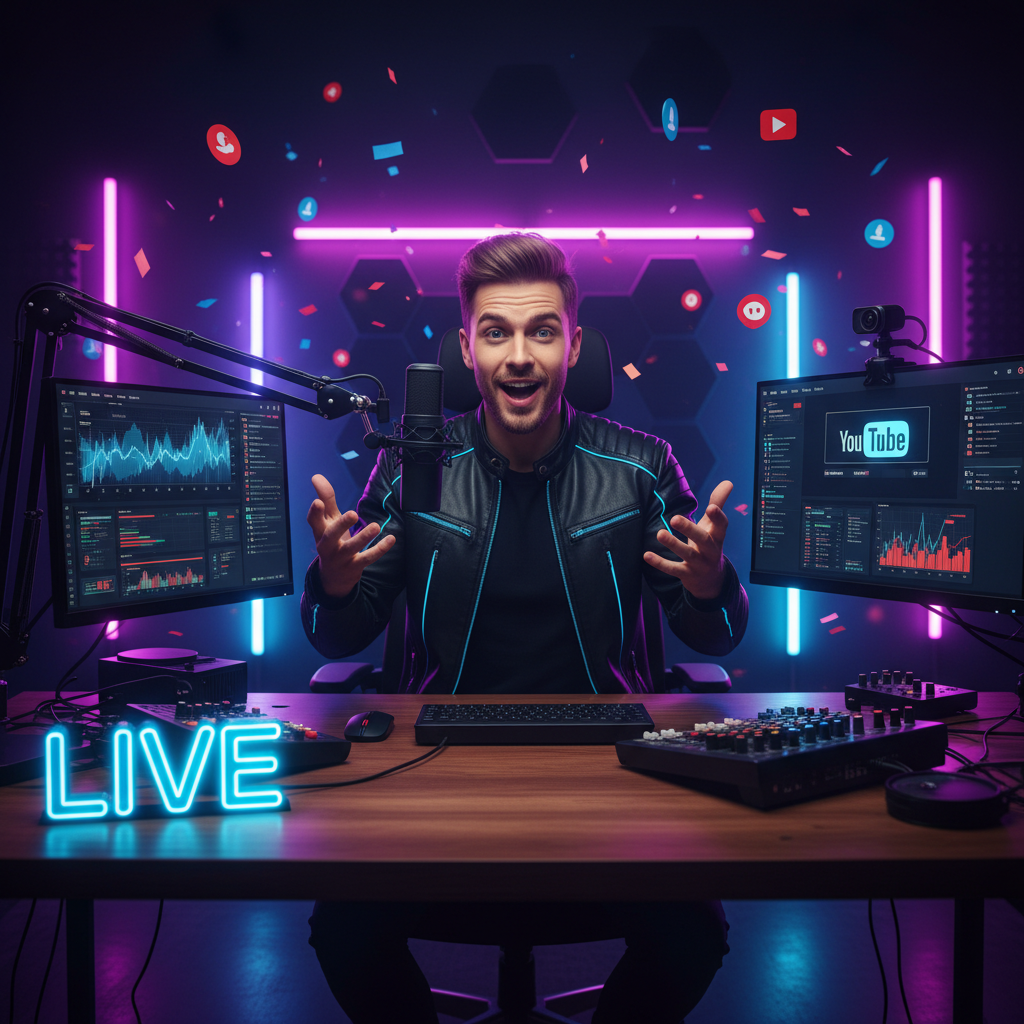
Dominate YouTube: Your Ultimate Live Streaming Strategy for 2024
Live streaming on YouTube is no longer a trend; it's a powerful tool for building community, boosting engagement, and driving revenue. Whether you're a seasoned creator or just starting out, a solid live streaming strategy is crucial. This guide will equip you with the knowledge and tactics to create compelling live content that resonates with your audience.
Why Live Streaming on YouTube Matters
- Real-Time Engagement: Interact directly with your viewers, answering questions and building relationships.
- Increased Watch Time: Live streams often have longer watch times, a key factor in YouTube's algorithm.
- Authenticity: Live streams showcase your personality and expertise in a raw, unscripted way.
- Content Variety: Adds another dimension to your channel, attracting new viewers.
- Direct Monetization: Super Chat, channel memberships, and merchandise shelves offer immediate revenue opportunities.
Crafting Your Live Streaming Strategy
1. Define Your Niche and Audience
Before you hit the "Go Live" button, understand your target audience. What are their interests? What problems can you solve? Defining your niche helps you create relevant and engaging content.
2. Set Clear Goals
What do you want to achieve with your live streams? More subscribers? Increased watch time? Promoting a product? Setting specific, measurable, achievable, relevant, and time-bound (SMART) goals will guide your strategy.
3. Plan Your Content
While spontaneity is part of the appeal, having a plan is essential. Create an outline of topics you want to cover, key talking points, and any visuals or demonstrations you'll use.
4. Optimize Your Stream for Discovery
- Compelling Titles: Use keywords that your audience is searching for. A captivating title grabs attention.
- Detailed Descriptions: Provide context and include relevant keywords to improve search visibility.
- Eye-Catching Thumbnails: Create visually appealing thumbnails that accurately represent your stream's content. Consider using a consistent brand aesthetic.
- Relevant Tags: Add tags to your stream to help YouTube understand its topic and suggest it to the right viewers.
5. Promote Your Stream
- Social Media: Share your upcoming streams on all your social media platforms.
- Email Marketing: Notify your subscribers about your streams via email.
- Community Posts: Engage with your audience on YouTube's Community tab.
- Channel Trailer: Feature your live streams in your channel trailer.
6. Choose the Right Equipment
Quality equipment is crucial for a professional-looking stream. Consider the following:
- Camera: A good webcam or DSLR camera.
- Microphone: A high-quality microphone for clear audio.
- Lighting: Proper lighting to illuminate your face and surroundings.
- Encoding Software: Software to encode your video and audio for streaming.
7. Engage with Your Audience
- Respond to Comments: Acknowledge and answer questions from viewers in real-time.
- Polls and Quizzes: Use polls and quizzes to encourage interaction.
- Call to Action: Ask viewers to subscribe, like, and share your stream.
8. Analyze and Iterate
- YouTube Analytics: Use YouTube Analytics to track your stream's performance.
- Audience Retention: Identify moments where viewers drop off and adjust your content accordingly.
- Feedback: Ask your audience for feedback on how you can improve your streams.
Level Up Your Live Streams with Viralth Studio
Creating engaging live stream content demands attention to detail, especially in post-production for highlights and clips. Viralth Studio simplifies this process and ensures your content is ready for maximum impact. Its unique features are tailor-made for YouTube success:
- AI-Driven Composition and Face Preservation: Ensure every clip is visually appealing and keeps you in focus, automatically. No more manual adjustments!
- Automatic Readability Checks for Small Screens: Guarantee your text overlays and graphics are easily readable on mobile devices, where a significant portion of YouTube viewers watch.
- <2MB File Size Optimization: Optimize your video clips for YouTube without sacrificing quality, ensuring faster uploads and better performance.
- 'Viral Red' Color Psychology: Viralth Studio even allows for the intelligent use of 'Viral Red' to subtly boost viewer engagement.
Instead of struggling with complex editing software, Viralth Studio offers an intuitive solution that helps you focus on creating great content. It's the perfect tool for turning your live streams into captivating on-demand videos.
Conclusion
Live streaming on YouTube offers tremendous opportunities to connect with your audience and grow your channel. By developing a comprehensive strategy, investing in the right equipment, and leveraging tools like Viralth Studio, you can create compelling live content that drives engagement and achieves your goals. Start planning your next live stream today!
Stop Guessing. Start Going Viral.
Join thousands of creators using AI to generate high-CTR thumbnails in seconds. No design skills required.


Read Next
From Zero to Hero: Your Ultimate Guide to Growing a YouTube Channel
Unleash Viral Potential: Storytelling Techniques for YouTube Domination